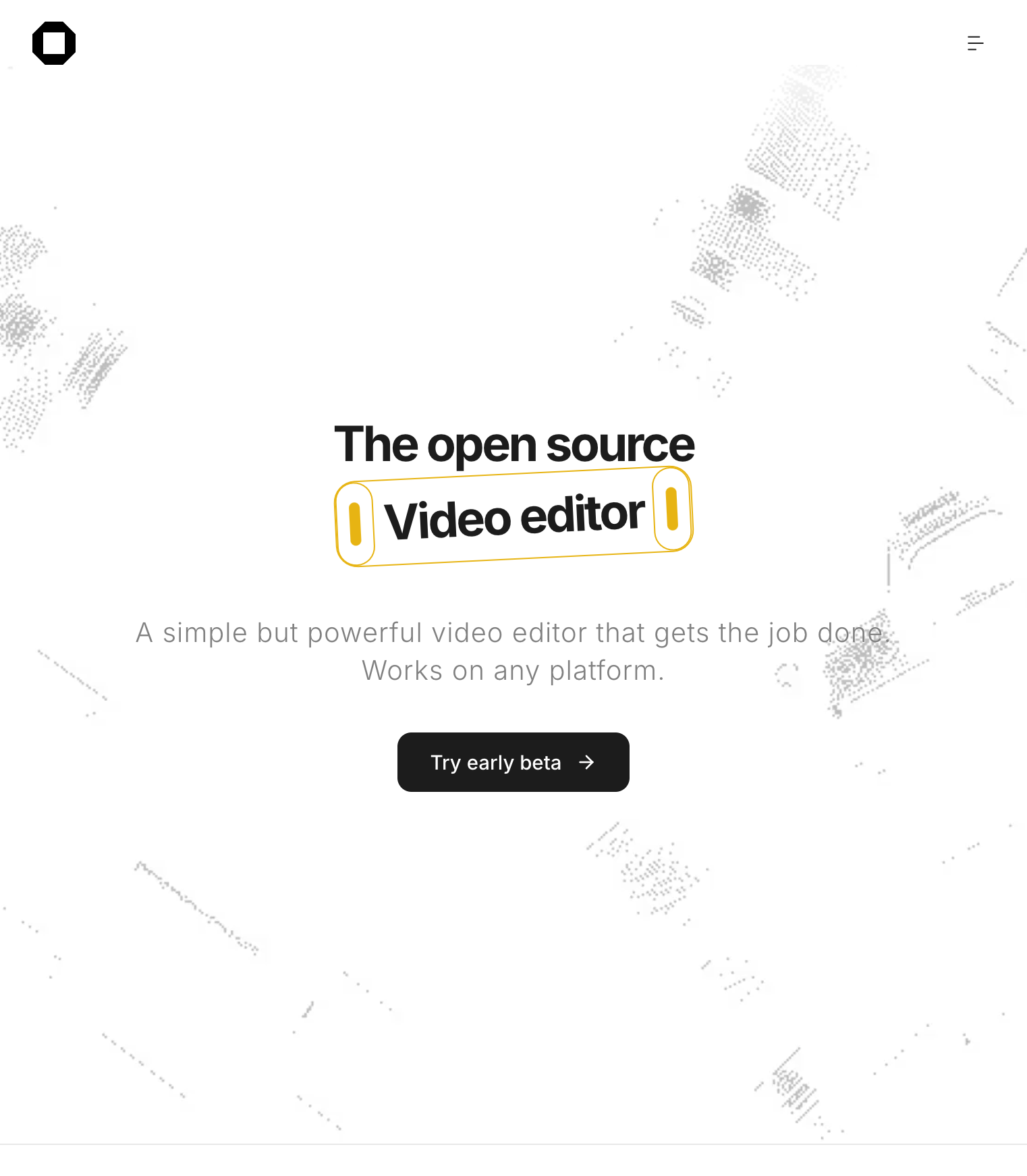
In a market dominated by closed editors with subscriptions and watermarks, OpenCut is betting on the opposite: «A simple but powerful video editor that gets the job done. Works on any platform», reads the home of opencut.app. The project defines itself as "the fully open source CapCut alternative" in its beta welcome mode and has accumulated tens of thousands of stars on GitHub since its creation in June 2025. The central promise is clear: edit video in the browser, for free, without uploading your files to third-party servers.
Video: OpenCut as an alternative to CapCut
Rewrite roadmap summary: plugins, headless mode, MCP for agents and a single Rust core for web, desktop and mobile. Source: YouTube (unofficial)
How to try it today
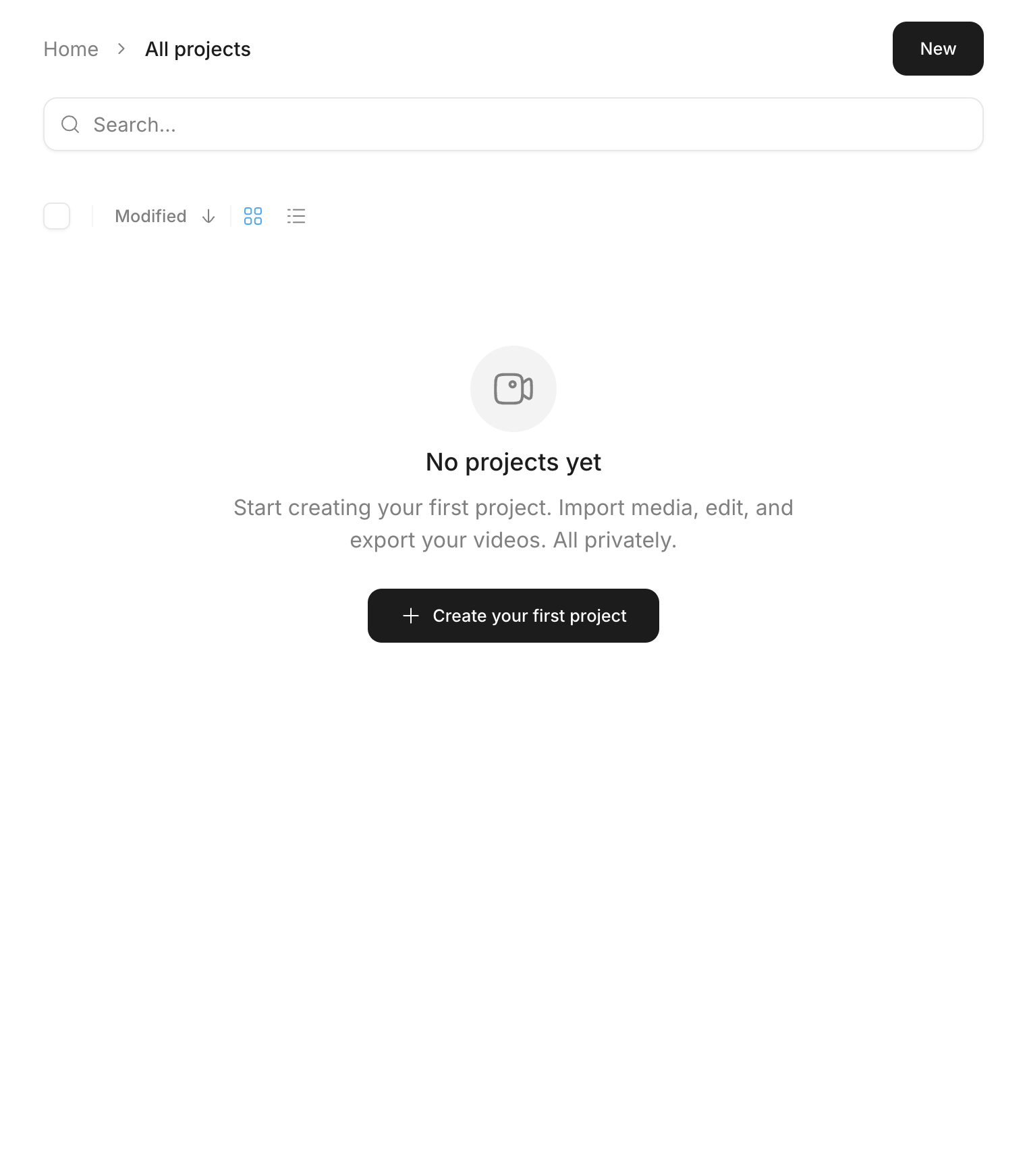
From the landing, the Try early beta button leads to opencut.app/projects: a project dashboard with search, grid or list view, and one-click creation. Each project opens an editor with timeline, preview monitor, tool sidebar and import → edit → export flow. OpenCut warns that the mobile experience is not yet optimized and recommends desktop; on tablet or mobile it shows a warning before continuing.
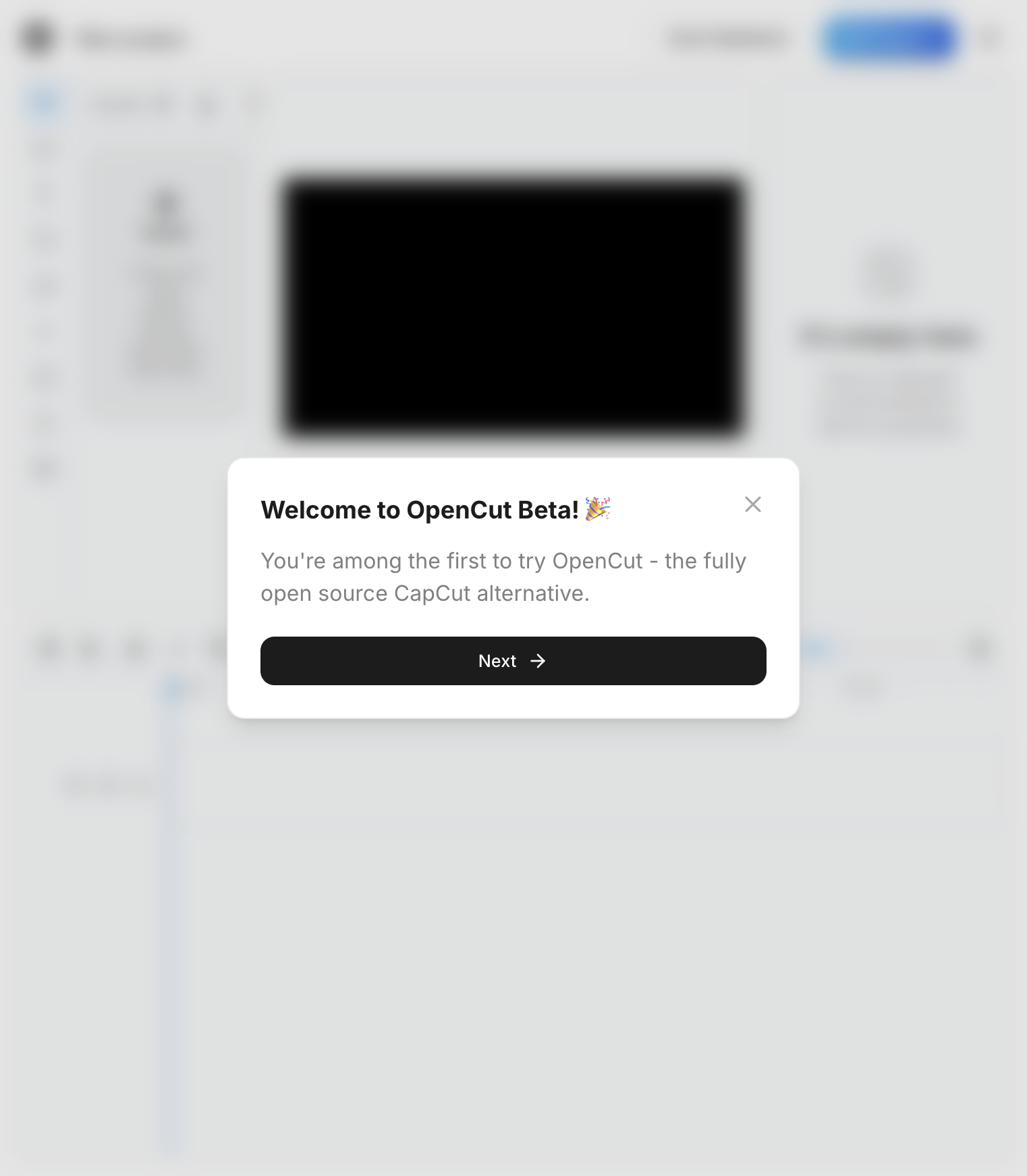
In the post The OpenCut Alpha is here! (July 19, 2025), the team listed what already worked: importing videos, basic timeline editing, cuts and trims, zero watermarks. What is pending then—robust export, effects, transitions, audio—is still under development according to the public roadmap.
Privacy and local data
The privacy policy (updated March 15, 2026) is explicit: all editing happens on the device. OpenCut does not upload or store videos on its servers. Projects—names, thumbnails, dates—live in the browser's IndexedDB. No accounts or login with Google today. AI features like automatic captioning, where they exist, run with models in the client.
For basic analytics they use Databuddy (anonymous visitor counts, without tracking interactions in the editor). Hosting goes through Vercel. Being open source, anyone can audit the code or self-host the app.
Roadmap and rewriting
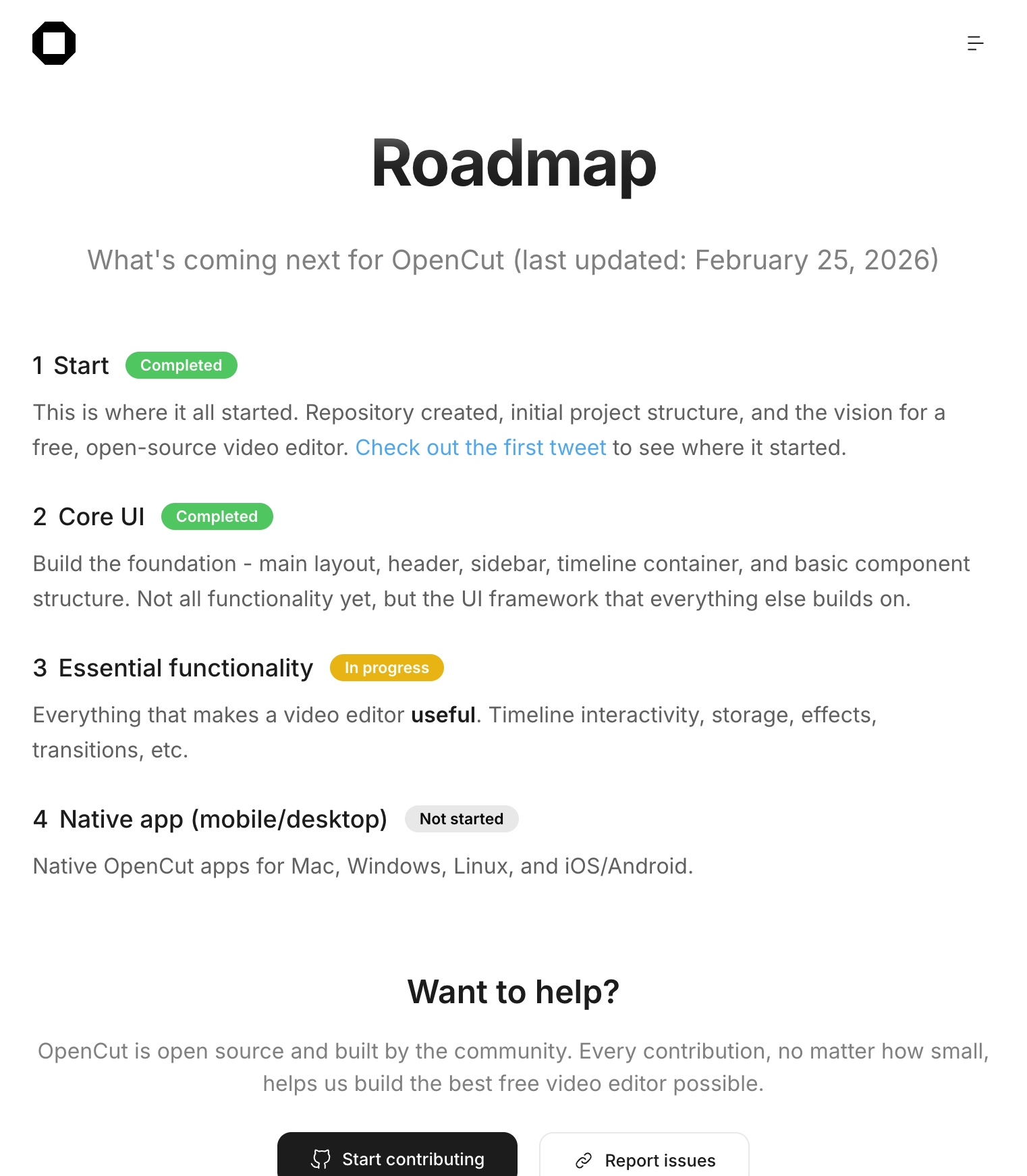
The roadmap (last update: February 25, 2026) marks four phases: Start and Core UI completed; Essential functionality in progress (interactive timeline, storage, effects, transitions); and native apps for Mac, Windows, Linux, iOS and Android yet to start.
In parallel, the README of the main repository announces a rewrite from scratch. What comes includes an Editor API, plugin-first architecture, Rust core shared between web, desktop and mobile, headless mode for batch rendering, scripting tab within the editor and an MCP server for AI agents. The classic version is still at opencut.app; the rewrite is tested in new.opencut.app until it is ready to be replaced. The previous code is archived in opencut-classic.
Community and ecosystem
OpenCut is built on a community: 96 contributors and more than 1,500 contributions listed on the web. The official Discord, Sponsors include fal.ai (generative image, video and audio models). External tools like Marble (blog CMS) and Databuddy appear on the contributors page.
The team notes that the new architecture does not yet accept massive external contributions while the core is being designed; It is advisable to follow the repo and the Discord before opening large PRs. For bugs and suggestions, GitHub Issues and the Discord channel are the official channels.
For whom does it make sense
OpenCut fits if you're looking for a lightweight editor for reels or short clips, you value keeping your files in the browser, and you prefer free software to another monthly subscription. It is not a complete replacement for CapCut today: effects, advanced transitions and mobile polish are missing. But the traction on GitHub—more than 58,000 stars as of June 2026—demonstrates real demand for a privacy-first tool for creators.
Go to opencut.app/projects, create a test project and judge the timeline yourself. If you are interested in the technical direction—plugins, headless, MCP—follow the rewrite on GitHub and new.opencut.app. The project has been going on for less than a year, but it is already setting the course: openly editable video, without giving up your files in exchange for free filters.
Most read
What readers are engaging with right now.
- Culture
Goose, the gay app that competes with Grindr, reaches the top 4 of Lifestyle in the App Store

- World
Cubans protest in Miami against Airlines Connections for alleged scam: they demand up to $20,000 in packages to Punta Cana

- World
Trump declares the ceasefire with Iran over, orders new attacks in Hormuz and demands cutting trade with Spain in NATO

- Culture
Harry Potter on HBO: complete guide to the series (not yet released and already renewed for T2), dates, cast and controversies

- Culture
DUK App: Aly Sánchez launches her habits app "one day at a time" with a 63-day program

- Culture
I'm Edgy and Edgy Labs: From Nebraska's Walmart to a beef tallow cream brand that sells across the US.

- Culture
The Evening of the Year VI: all the winners, fights and performances of the Ibai night in Seville

- World
The FBI is investigating the AFA for alleged fraud and money laundering: about $300 million in sponsorships and operations in the US.

- World
El Cangrejo: profile of Raúl Guillermo Rodríguez Castro, Raúl Castro's grandson between GAESA, leaked luxuries and the first interview of 2026
