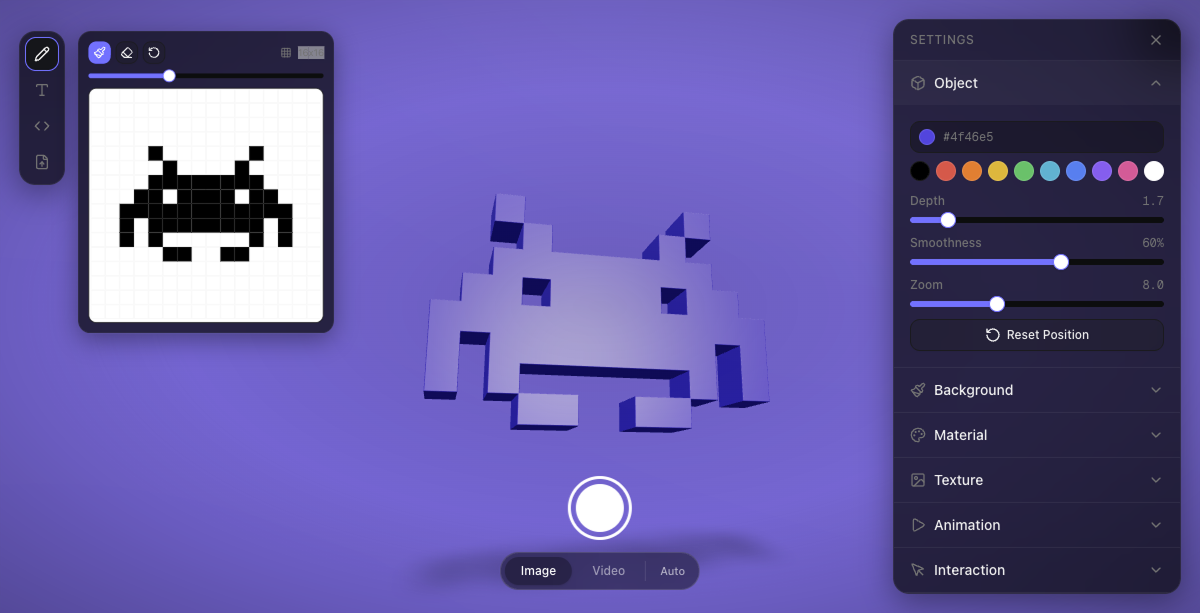
Going from a flat logo to a web-ready 3D object used to involve Blender, exporting GLB by hand, and fighting with materials. 3dsvg shortens that path: in 3dsvg.design you upload an SVG—or write text, paste vector code, or draw in the pixel editor—and the engine extrudes it in WebGL with adjustable depth, anti-aliasing, and zoom. What you see in the canvas is the same thing you get when copying the React snippet or installing the 3dsvg package from npm.
Four ways of entry
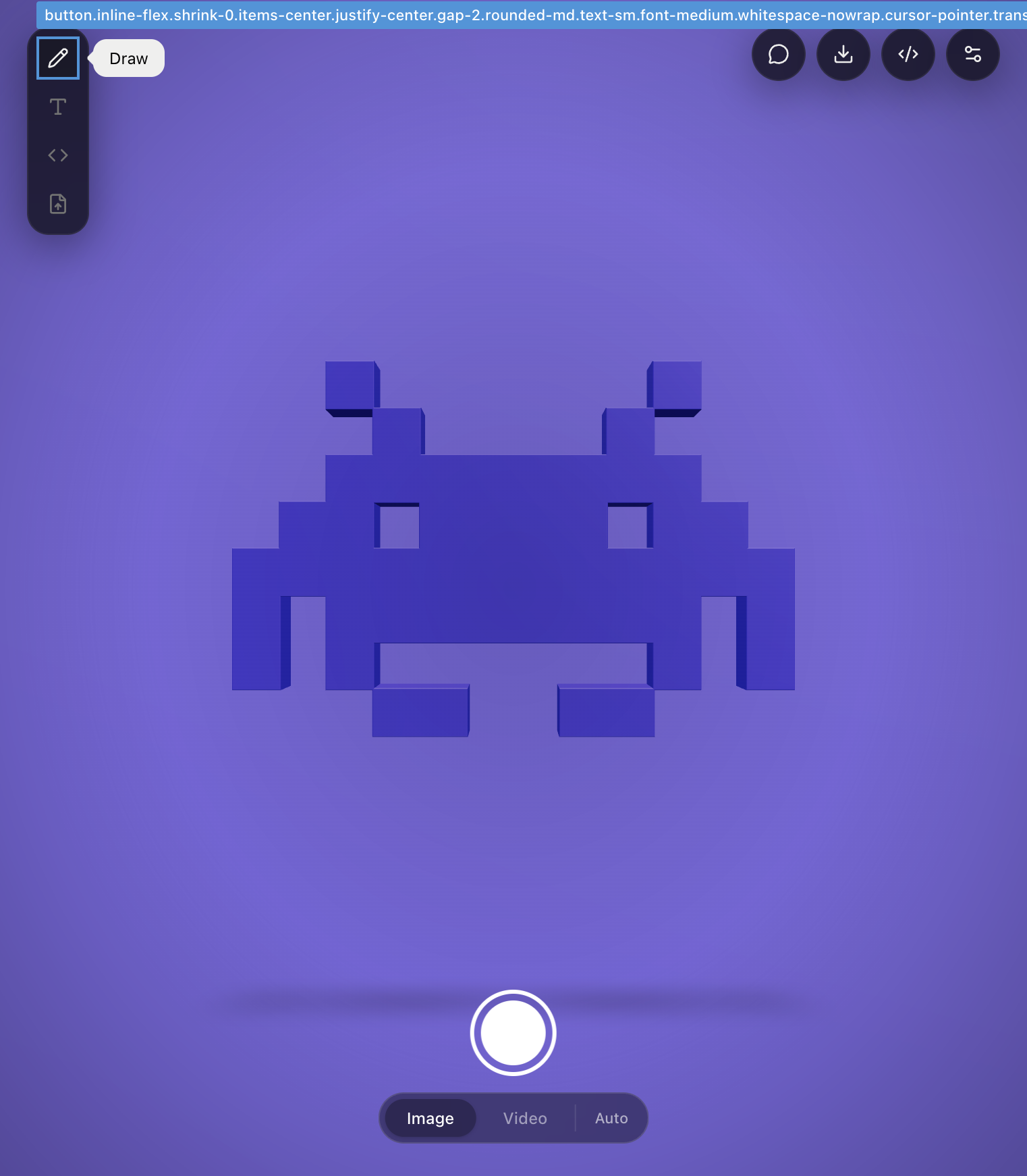
The sidebar offers four modes, visible as soon as you open the website:
- Text — 10 Google Fonts (DM Sans, Bebas Neue, Playfair Display, Righteous, Black Ops One, Permanent Marker, Rubik Mono One, Pacifico, Oswald, Archivo Black).
- Pixel editor — draw on a grid with Draw, Erase and Clear tools; ideal for retro icons or sprites.
- SVG Code — paste vector markup directly.
- File Upload — drag a .svg anywhere on the page or use “Choose File”; There is also a preloaded example ("Load example (star)").
In all cases the Object panel controls color (#4f46e5 by default), extrusion depth, edge smoothing and camera zoom, with a «Reset Position» button to return to the initial view.
Materials, textures, light and animation
The repository README documents 10 PBR presets: Default, Plastic, Metal, Glass, Rubber, Chrome, Gold, Clay, Emissive and Holographic. Added to this are 10 procedural textures or the possibility of uploading your own. The Lighting section allows you to move the key light, adjust intensity, atmosphere and shadows; Background changes the background plane.
For motion there are 7 loop animations: Spin, Float, Pulse, Wobble, Swing, Spin+Float or static. The Interaction tab activates inertial rotation when dragging, zooming with scrolling, and orbit following the cursor. On mobile the canvas auto-adjusts the vertical zoom so that the object is not out of frame.
Export: image, video, 3D model or code
The bottom bar of the editor concentrates the output. In Image mode, it exports PNG with a transparent or colored background, up to 4K. In Video capture at 60 fps with iOS-style cropping interface; converts to MP4 via FFmpeg WASM or native WebM, with quality control. There is also Auto mode that chooses format according to context.
For 3D printing or DCC pipelines, the download menu includes GLB (color and materials preserved), STL, OBJ and PLY. The code button (</>) generates a ready-to-paste JSX with all the props of the current state of the editor — material, animation, camera, lighting.
React integration with npm
The monorepo separates packages/engine (component published as 3dsvg) and packages/web (Next.js in 3dsvg.design). Minimum installation:
npm install 3dsvgimport { SVG3D } from "3dsvg";
<SVG3D text="Hello" animate="spin" />
<SVG3D svg="/logo.svg" material="gold" />
Props accept text or svg (markup, public path or remote URL; if both go, svg wins), font, material, animate, lighting and progress callbacks for complex SVGs that are processed in asynchronous batches. The engine uses React Three Fiber on top of Three.js, opentype.js to convert sources to paths and tsup to package the library.
Why it stands out in 2026
The project was born in April 2026 and has accumulated hundreds of stars on GitHub under the MIT license. Its promise—“The easiest way to turn SVGs into 3D”—is based on the fact that there is no DCC curve: designers can iterate materials in the browser and developers copy the same result to production without reimplementing the scene. It fits with product landings, animated logos in hero sections, 3D stickers for networks and quick prototypes before modeling in Blender.
For frontend teams already used to shadcn/ui and Tailwind v4 (also present in the web editor), 3dsvg adds a piece that was missing from the React stack: 2D vector → embeddable 3D mesh in a single dependency, without backend or subscription. Everything happens on the client; even the video to MP4 conversion runs with FFmpeg compiled to WebAssembly.
Most read
What readers are engaging with right now.
- Culture
Goose, the gay app that competes with Grindr, reaches the top 4 of Lifestyle in the App Store

- World
Cubans protest in Miami against Airlines Connections for alleged scam: they demand up to $20,000 in packages to Punta Cana

- World
Trump declares the ceasefire with Iran over, orders new attacks in Hormuz and demands cutting trade with Spain in NATO

- Culture
Harry Potter on HBO: complete guide to the series (not yet released and already renewed for T2), dates, cast and controversies

- Culture
DUK App: Aly Sánchez launches her habits app "one day at a time" with a 63-day program

- Culture
I'm Edgy and Edgy Labs: From Nebraska's Walmart to a beef tallow cream brand that sells across the US.

- Culture
The Evening of the Year VI: all the winners, fights and performances of the Ibai night in Seville

- World
The FBI is investigating the AFA for alleged fraud and money laundering: about $300 million in sponsorships and operations in the US.

- World
El Cangrejo: profile of Raúl Guillermo Rodríguez Castro, Raúl Castro's grandson between GAESA, leaked luxuries and the first interview of 2026
